
 Bhairava
Your vehicle, live in Bhairava
Sign in with the vehicle's tenant key. Sentinel sends its position, what was used on the road and any SOS straight to Bhairava. Nothing else to set up.
- Navigation
- Consumption
- SOS
- Current trip

Everything the fleet desk needs from the road
One phone in the vehicle. One key. Straight to Bhairava.
Navigation
The vehicle's position, live on the Bhairava fleet map.
- Every 10 seconds, moving or parked.
- Keeps working through dead zones and catches up after.
Consumption
Book fuel, parts and supplies as they are used.
- Pick from the vehicle's own stock list and enter the quantity.
- Lands in Bhairava against the vehicle's stock.
SOS and breakdown
Help in two seconds.
- Hold SOS for 2 seconds. It goes first, with the position, until Bhairava has it.
- Report a breakdown, and close it when back on the road.
Trip and messages
The driver sees the current trip, and the desk hears from the driver.
- Route, stops and load of the trip assigned to the vehicle.
- The trip on a map, with one tap to navigate in Google Maps.
- Send the desk a quick note as info, warning or danger.
From the road to Bhairava
No desktop in between.
- Key
Sign in
With the vehicle's tenant key from your administrator.
- Phone
Bhairava Sentinel
Shares the position and sends entries and SOS, SOS first.
- Platform
Bhairava
Shows the vehicle Connected, on the map, with its alerts.
- Desk
Fleet desk
Resolves an SOS or breakdown. The phone sees it at once.
Delivery you can see. Nothing is lost offline. History shows every entry and where it is.
Simple on purpose
Big cards, one red button.
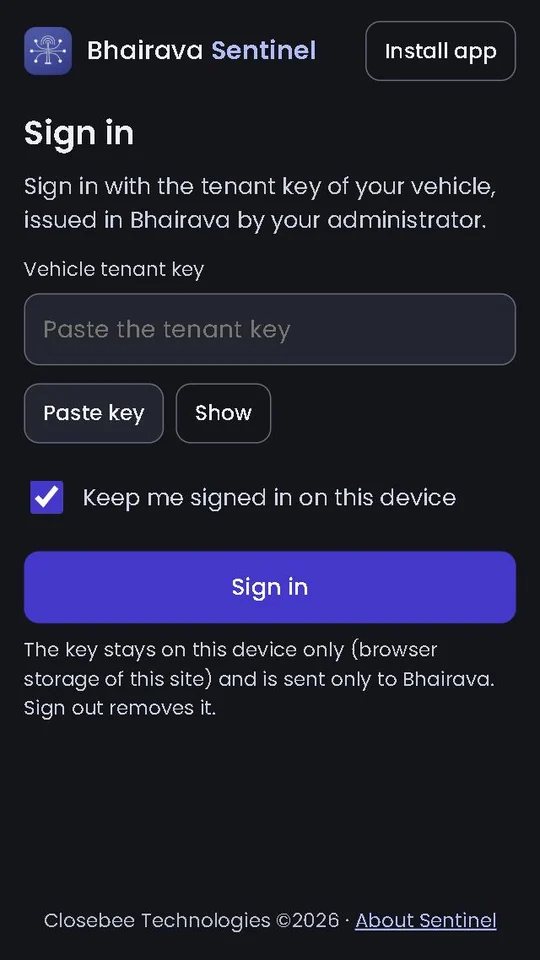
Sign inWith the vehicle's key HomeTrip, status and SOS 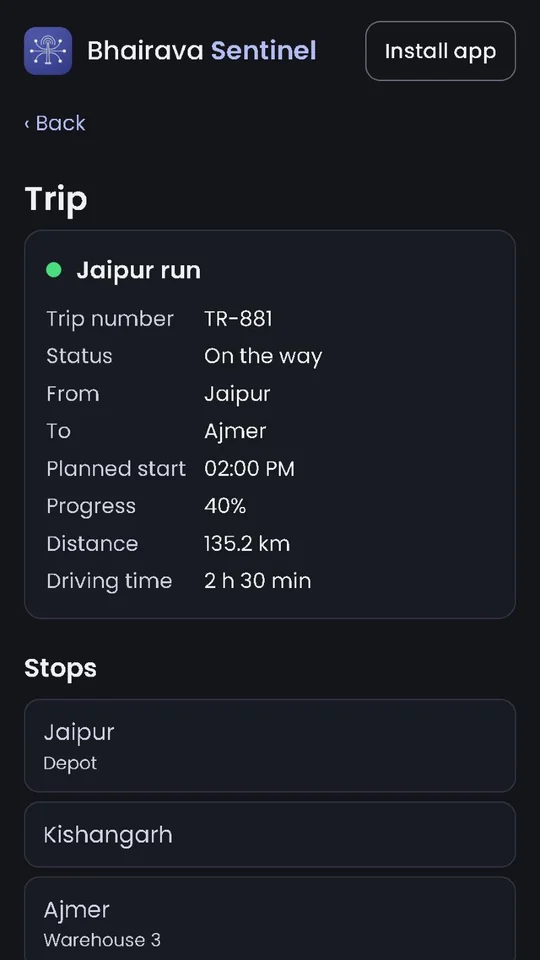
TripRoute, stops and load 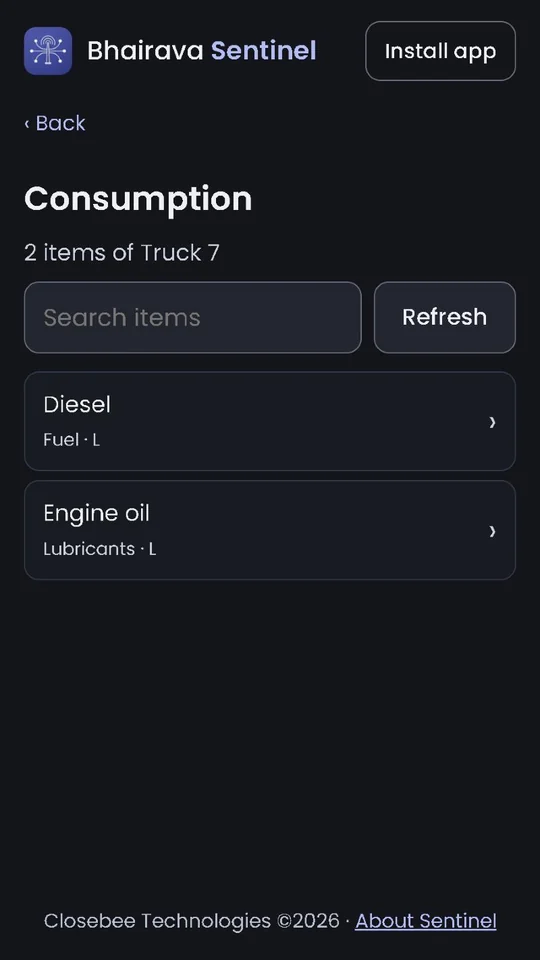
ConsumptionThe vehicle's stock list 
NotifyA quick word to the desk
What you need
- The vehicle's tenant keyIssued in Bhairava by your administrator.
- A phoneAndroid 8.0 or newer for the app, or any modern browser for the web app.
- Location permissionFor navigation, notes and SOS with a position.
- A data connection, most of the timeWithout one, entries wait on the phone and go when it is back.
Get the app
Bhairava Sentinel for Android
Android 8.0 or newer. Sign in with the vehicle's tenant key from your administrator.
New in 0.8.2: The position goes to Bhairava every 10 seconds, moving or parked. Quick bill makes a bill in a few taps. On a bus that sells tickets, one tap sells a ticket to the next stops. Receipts print on a Bluetooth printer or the POS terminal's own printer.
No Android? The web app runs in any modern browser and installs to the home screen. Same key, same features. A browser shares the position only while the page is open.
- Open this page on the phone and tap Download for Android.
- Open the downloaded file. If Android asks, allow installing apps from this source (your browser or file manager), then go back.
- Tap Install, open Bhairava Sentinel and sign in with the vehicle's tenant key.
A Google Play listing is coming soon. Updates there will install over this version.
Good to know
Do I need anything on a desktop?
No. Sentinel sends straight to Bhairava. Your administrator only issues the vehicle's tenant key.
What does it send?
The vehicle's position, consumption entries, notes, breakdowns and SOS. Bhairava shows them for that vehicle, and shows it Connected while Sentinel runs.
How often is the position sent?
Every 10 seconds, moving or parked. The driver can change how often on the Location screen.
Does it work offline?
Yes. Everything waits on the phone and goes when the connection is back. The stock list and the trip are kept for offline use.
What happens when I press SOS?
Hold the button for 2 seconds. The SOS goes first, with your position, and is repeated until Bhairava has it. The desk can resolve it, and the phone shows that.
What if the key is revoked?
Sentinel signs out and asks for the new key. Entries not yet sent stay on the phone.
Which phones does it run on?
The app runs on Android 8.0 or newer. On iPhone and other phones, use the web app.
Need help? Ask the administrator who issued your key, or see Bhairava.